Chrome now warns before you open 'suspicious' sites, not just dangerous ones
A new lower-level pop-up flags sites that look like phishing or scam pages, with a 'Mark as safe' option. It needs Enhanced Protection switched on.
Google Chrome will now warn you before you open a website that looks "suspicious", not only ones it is sure are dangerous. The new two-level warning works when Chrome's Enhanced Protection mode is switched on, on both desktop and mobile, The Verge reported on Tuesday.
Suspicious or dangerous: the two warnings
| Suspicious site | Dangerous site | |
|---|---|---|
| What it means | The site shares traits with known phishing, malware or scam sites | Google is highly confident the site will harm you |
| Confidence | Lower; it may be flagged by mistake | Higher |
| What you see | A pop-up over the page, with the site darkened behind it | A full-screen warning on a solid red background |
| What you can do | Go back, or choose "Mark as safe" if you are sure | Leave; you should not continue |
Google's advice for the suspicious warning is to go ahead only if you are completely sure the site is safe. The design copies the two-step system Chrome brought in for file downloads in 2024, which shows different alerts for "suspicious" and "dangerous" files.
Alongside the new warnings, Google has improved its Gemini-powered scam detection for Enhanced Protection users.
How to turn on Enhanced Protection
The suspicious-site warning appears only with Enhanced Protection on. In Chrome:
- On a computer, open the three-dot menu, then Settings, Privacy and security, Security.
- On Android, tap the three-dot menu, then Settings, Privacy and security, Safe Browsing.
- Choose Enhanced protection.
Enhanced Protection sends more browsing data to Google to check sites in real time, so it trades some privacy for safety. The default Standard protection still blocks sites Google knows are dangerous.
Why it matters in Pakistan
Fake websites are one of the commonest online traps here. Just this week NADRA warned Punjab applicants about fake arms licence websites charging huge fees, and the NCCIA says it arrested 1,129 cybercrime suspects in a month. Look-alike sites for bill payments, government fees and online shopping often copy official pages closely, which is exactly the kind of site a "suspicious" warning is meant to catch.
A browser warning is a help, not a guarantee. Type official addresses yourself (government sites end in .gov.pk), and check what a fee should be before paying: our passport fee calculator and NADRA fee calculator show the official charges, so an inflated demand stands out.
Frequently asked questions
- How do I get Chrome's suspicious site warning?
- Turn on Enhanced Protection: Settings, Privacy and security, Security (or Safe Browsing on Android), then Enhanced protection. The suspicious-site warning only appears in that mode.
- Can I still open a site Chrome calls suspicious?
- Yes. The suspicious warning lets you go back or choose Mark as safe. Google says to continue only if you are fully confident the site is safe.
Sources
More in Technology
Technology
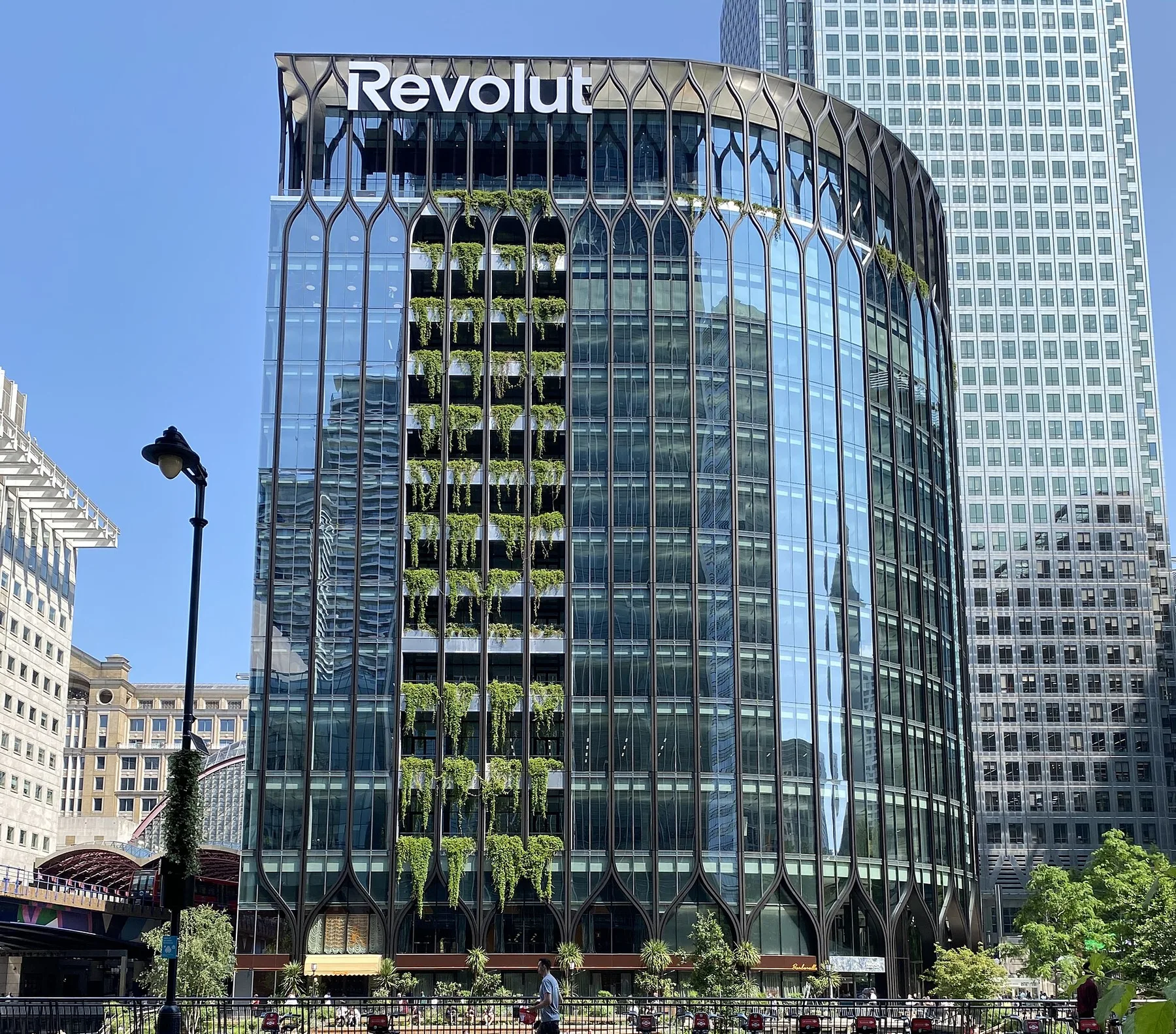
Google Cloud outage in London since 11am PKT knocks out Revolut card payments and ATMs
Google's europe-west2 region has 31 products failing and no fix yet. Revolut, Lloyds and HSBC users report problems; here is what to do if you were sending money home.
6h ago

Technology
PTA draft radio licence rules: 10-year licences, Rs 2,000 amateur radio licence and online filing
The Radio Based Services Licensing Regulations 2026 cover private radio networks, aircraft and ship stations and ham radio, with decisions promised within 15 working days.
23h ago
Reader comments 0
No comments yet. Say something useful.