PTA is blocking WhatsApp accounts on inactive SIMs: how to keep yours if you changed your number
Numbers from closed SIMs are reissued to new users, so an old WhatsApp account can end up in a stranger's hands. Here is what to check and how to move your account.
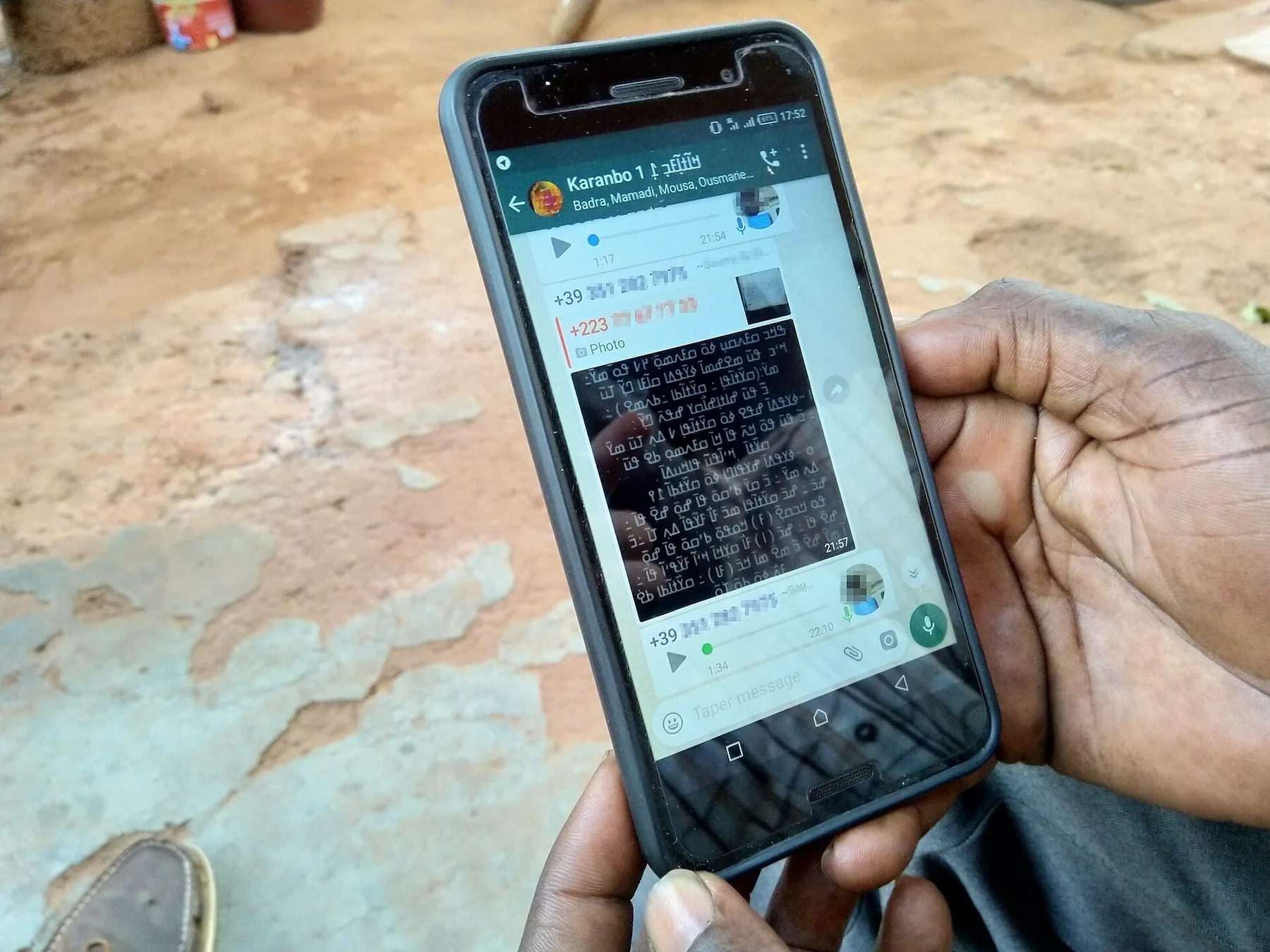
The Pakistan Telecommunication Authority (PTA) has started blocking WhatsApp accounts that are still registered on inactive, cancelled or abandoned SIMs, ProPakistani and PhoneWorld reported this week, citing PTA officials. The blocking began after an awareness campaign asking users to keep their WhatsApp on a number they still own and use.
ARY News also reported on Saturday that the blocking is under way. PTA has not published a number of accounts affected or a deadline.
Why PTA is doing this
A WhatsApp account is tied to a phone number, not a SIM. When a SIM is closed or left unused, the operator can reissue that number to a new customer. The new holder can then receive the WhatsApp verification code and take over the old account, with its chats, groups and contacts, or the original owner can simply lose access. The regulator says it wants to cut the misuse of numbers whose owners no longer hold them.
PhoneWorld noted that a Senate committee has separately raised concerns about WhatsApp misuse and illegal SIMs in financial fraud, though it said this step was not linked to those hearings.
What to do now
- Check the number your WhatsApp uses. Open WhatsApp, go to Settings and tap your name. If that is a SIM you no longer use, act now.
- Move your account to your current number. In WhatsApp go to Settings, Account, Change number. You need both numbers once to verify, and your chats stay on the phone.
- Turn on two-step verification (Settings, Account, Two-step verification). A six-digit PIN stops someone with your old number from re-registering your account.
- Keep your SIM active. Operators close SIMs with no use for a long period. Make a call, send an SMS or recharge every few weeks on a number you want to keep.
- Check SIMs in your name by sending your CNIC number to 668. Block any you do not recognise through your operator.
Bought a phone from abroad?
Blocking WhatsApp is separate from PTA's IMEI blocking of unregistered handsets. If your phone came from abroad, our PTA mobile tax calculator shows what it costs to register by model.
Related
Frequently asked questions
- Why is my WhatsApp account blocked in Pakistan?
- PTA has started blocking WhatsApp accounts registered on inactive or cancelled SIMs. Move the account to a number you use with Settings, Account, Change number.
- How do I stop someone taking my old WhatsApp number?
- Move WhatsApp to your current number and turn on two-step verification so a new holder of the old number cannot re-register your account.
Sources
More in Technology

Technology
Intel shares plunge over 20% as it warns the PC slowdown will last into 2027
Third-quarter revenue beat forecasts at $16.51 billion, but Intel's outlook for the last three months of 2026 fell well short, and a fatal fab explosion in Israel will cost it about $600 million.
1d ago
Reader comments 0
No comments yet. Say something useful.