WhatsApp scheduled messages: how to schedule a message up to two weeks ahead, now in beta on iPhone and Android
Tap and hold send, pick a date and time, done. The long-requested feature is reaching select beta testers first, with photos and links supported.
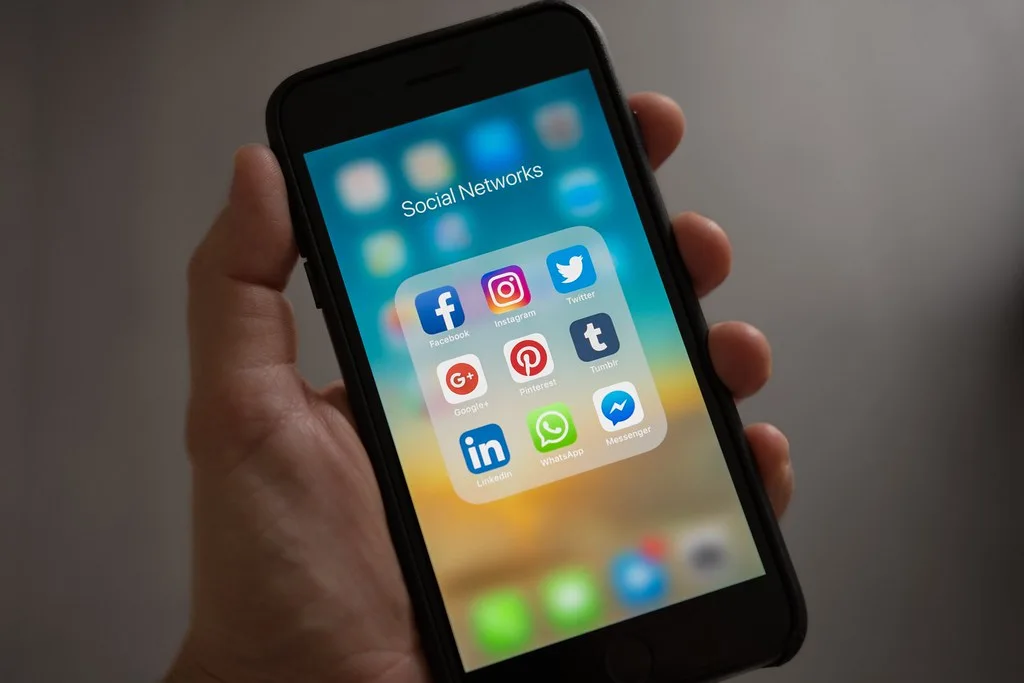
WhatsApp scheduled messages are coming. WhatsApp has started testing one of its most requested features, the ability to write a message now and have it sent later, with select iPhone beta testers, less than two weeks after it appeared in the Android beta, 9to5Mac reported, citing WABetaInfo. Moneycontrol described the Android test.
For people in Pakistan who run family groups, shops and offices on WhatsApp, this means birthday wishes at midnight, Eid greetings, payment reminders and shift rosters can be set up in advance.
How to schedule a WhatsApp message (beta)
- Open the chat and type your message.
- Tap and hold the send button. A schedule screen opens with a date and time picker.
- Pick the time. You can schedule from 10 minutes to two weeks ahead.
- Tap the green button at the bottom, which shows the exact delivery time.
A note appears in the chat confirming it, visible only to you. Your scheduled messages are listed in a section of the chat info screen, or the group info screen for groups.
What you can and cannot schedule
- Text, photos, videos and links can all be scheduled.
- One media item at a time: you cannot schedule several photos or videos in one go; each must be scheduled separately.
- Groups: a scheduled message goes only to people who were members when you scheduled it. Someone who joins later will not get it, even if they join before it is sent.
When will you get it?
Only selected beta testers have it, and there is no way to turn it on yourself. WhatsApp has not given a date for a public release, but with tests now running on both iPhone and Android, a wider rollout is likely to follow. Until then, keep your app updated from the App Store or Google Play.
Also new on WhatsApp this month: guest calls you can join from a link, without an account. If your data runs out with all the media in family groups, work out the tax on every top-up with our mobile load tax calculator.
Frequently asked questions
- How do I schedule a message on WhatsApp?
- In the beta, type your message, then tap and hold the send button. A screen opens with a date and time picker; choose a time between 10 minutes and two weeks ahead and confirm with the green button.
- Can everyone schedule WhatsApp messages now?
- No. As of 24 October 2026 it is only with select beta testers on iPhone and Android, and there is no way to switch it on manually.
Sources
More in Technology

Technology
iPhone Duo cracked screens: owners report broken folding displays days after launch
Apple's first foldable iPhone, from $1,999, went on sale on 23 October. Owners in Australia and elsewhere report cracks along the hinge. What buyers in Pakistan should know.
5h ago
Technology
iPhone Duo price in Pakistan: Rs 899,999 for 256GB, up to Rs 1,390,000 for 2TB, PTA approved
Mercantile sells Apple's first foldable from Rs 899,999 with a one-year warranty; Telemart lists it from Rs 999,599. Here is every storage size and how it compares with the iPhone 18 Pro.
2d ago

Technology
Capcom ID data breach: 11.7 million email addresses leaked; Capcom says passwords and card details were not taken
The maker of Resident Evil and Street Fighter found the intrusion on 19 October. If you have a Capcom ID, expect phishing emails that look like they come from Capcom.
2d ago
Reader comments 0
No comments yet. Say something useful.