PTCL bill check online: phone number, Account ID, duplicate bill and tax certificate
Find your PTCL bill with your landline number or Account ID, print a duplicate copy, pay it from a bank app or wallet, and download the advance tax certificate filers need.
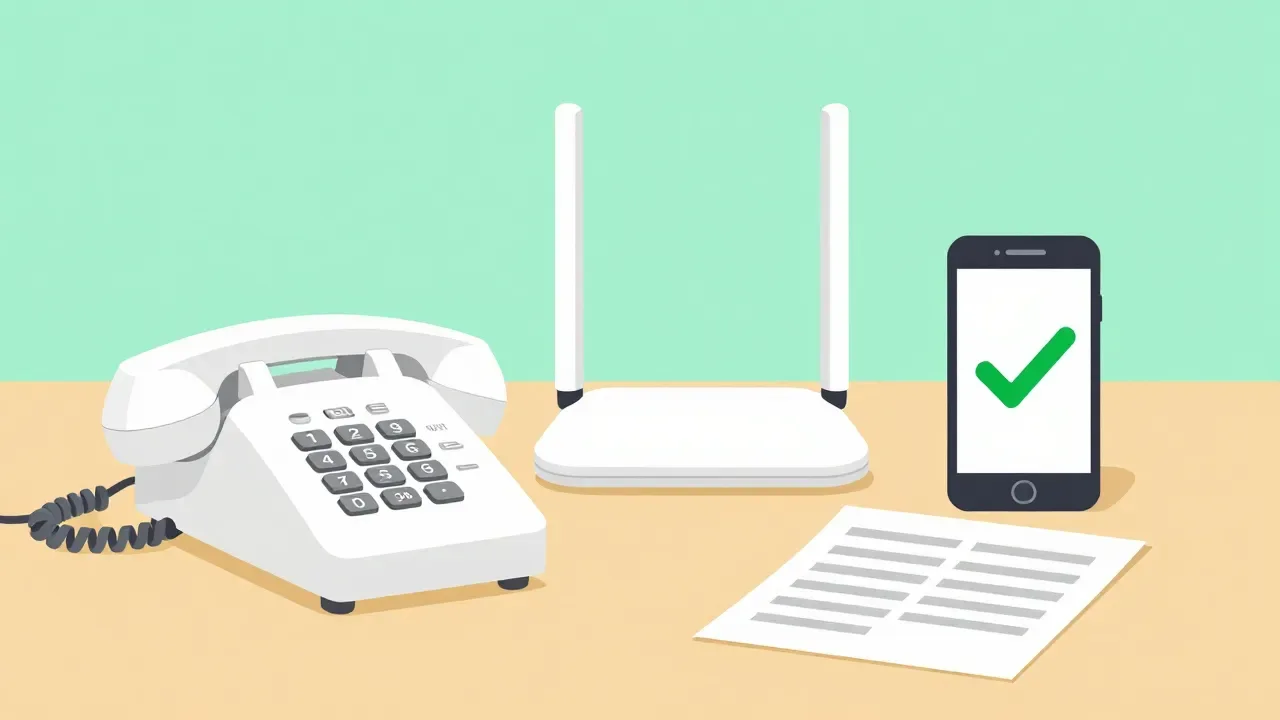
For a PTCL bill check online, open PTCL's Bill Inquiry page at ptcl.com.pk/customer/publicbill_payment, choose the PTCL Landline/VFone Postpaid tab, and search either by your landline number (area code plus telephone number) or by your Account ID. For a printable copy, PTCL's duplicate bill service is at dbill.ptcl.net.pk. You can pay the amount through the UPTCL app, WhatsApp, a bank app or a mobile wallet.
This guide covers each route step by step, plus the advance income tax certificate that filers need at return time.
What you need before you start
- Your PTCL landline number with its city area code (for example 021 for Karachi, 042 for Lahore, 051 for Islamabad and Rawalpindi), or
- Your PTCL Account ID, or
- For wallets and bank apps: the reference number printed on an earlier PTCL bill.
- For a new connection that is not yet billed: the payment reference number printed on the setup and installation charges letter or sent to you by SMS.
How to check your PTCL bill by phone number
- Open PTCL Bill Inquiry on your phone or computer.
- Select the PTCL Landline/VFone Postpaid tab. (Other tabs cover Charji and EVO prepaid or postpaid, setup charges and Ufone.)
- Under Inquire Bill By, choose Landline Number.
- Pick your Area Code from the list. PTCL lists more than a hundred codes, from the big-city 021, 042 and 051 to smaller ones such as 0544 or 0938.
- Type the Telephone Number without the area code.
- Tap Inquire Bill. The page shows the amount due for that connection.
How to check your PTCL bill by Account ID
- On the same Bill Inquiry page, keep the PTCL Landline/VFone Postpaid tab.
- Under Inquire Bill By, choose Account ID.
- Enter the Account ID in digits only (the field accepts numbers, not letters or spaces).
- Tap Inquire Bill.
How to download a PTCL duplicate bill
PTCL keeps a separate duplicate bill service, called DBill, for printing a copy of your bill.
- Go to dbill.ptcl.net.pk (PTCL's home page links it as "Print & View duplicate bill").
- Click PTCL Landline Bill for a landline or broadband bill, or PTCL CharJi/EVO for a wireless connection.
- Enter your details on the search page. If you are unsure what to type, open the Searching Guide link in the left menu.
- The bill opens as a PDF. PTCL notes that a PDF reader must be installed to print it, so save it to your phone or computer first, then print.
Keep the PDF: a copy of the bill is handy whenever an office or form asks for one.
The UPTCL app
PTCL and Ufone share one self-care app, UPTCL, published by Ufone and linked from PTCL's own payment page.
- Install it from Google Play or the App Store.
- Open the app and pay your PTCL bill from it (Ufone describes it as the place to pay Ufone and PTCL bills).
- Ufone's app page lists UPaisa, credit cards and debit cards as payment methods for postpaid bills.
- Use the tax certificate option to download your certificate whenever you need it.
One limit worth knowing: Ufone says international credit and debit cards cannot be used for payments inside the app, so overseas Pakistanis paying for family at home should use a Pakistani card, a wallet or a bank app instead.
How to pay your PTCL bill
PTCL's Bill Payment Options page groups the channels like this:
- PTCL's own channels: PCPM payment machines, the UPTCL app (Android and iOS), the PTCL website and WhatsApp.
- Banks: ABL, Askari Bank, Bank Alfalah, Dubai Islamic Bank, Faysal Bank, HBL, JS Bank, MCB, Meezan Bank, UBank, UBL, Al Baraka, Bank Al Habib, Bank of Khyber, Bank of Punjab, BankIslami, Citibank, Deutsche Bank, First Women Bank, Habib Metropolitan, National Bank of Pakistan, SME Bank, Punjab Provincial Cooperative Bank, Sindh Bank, Soneri Bank and Standard Chartered.
- Mobile wallets: Easypaisa, JazzCash and UPaisa.
- At your door: in Islamabad and Rawalpindi, TCS can collect the bill from your home. Call 1218 to arrange it.
Example: paying through a bank app (myABL)
Allied Bank's own instructions show how most bank apps handle it:
- Open Payments (or Bill Payments) and choose New Payment, then Utility.
- Select the biller PTCL - Pakistan Telecommunication Company Ltd.
- Enter the Reference ID from a previous PTCL bill.
- Confirm with the one-time password (OTP) sent to your registered mobile number.
ABL also says partial payments of a PTCL bill are accepted, and that you can see the status of a payment under Payments by entering the reference number or customer ID.
Paying on WhatsApp
PTCL lists WhatsApp as a payment channel on its payment page, and its WhatsApp contact number is 0331 2181218. When the service launched in January 2025, Digital Pakistan reported that it works with PayFast, an SBP-licensed payment service provider: you enter your CNIC and account number, confirm with an OTP on your registered mobile, and receive the receipt in the chat. The same service handles bill inquiries and tax certificate requests.
PTCL tax certificate for filers
PTCL collects advance income tax (AIT) on telephone and internet bills under Section 236 of the Income Tax Ordinance, 2001. On its Taxes Applicable on PTCL Services page (copy dated 17 February 2026), PTCL listed AIT of 10% on landline bills above Rs 1,000 a month and 15% on internet services, with GST at 19.5% on both in every province and territory listed. Tax rates can change with each Finance Act, so match these against the tax lines on your latest bill.
You can claim the AIT shown on the certificate when you file your return. To get it:
- Log in to the PTCL Customer Portal and download the AIT certificate, or
- Download it in the UPTCL app, or
- Ask for it on PTCL's WhatsApp, or
- Visit your nearest PTCL sales and service centre.
If you are exempt under Section 236(4), PTCL asks you to share your exemption documents with a PTCL representative so the AIT is removed from your bill. To see what the tax you paid on bills means for your return, run your salary or income through our income tax calculator.
Common mistakes
- Typing the area code twice. Choose it from the list, then type only the rest of the number.
- Using the wrong tab. Charji, EVO and Ufone bills sit on separate tabs; a landline number will not show up there.
- Mixing up the reference number and the Account ID. Bank apps and wallets ask for the reference number from an earlier bill; the Bill Inquiry page asks for the Account ID.
- Paying with a foreign card in UPTCL. International cards are refused; use a Pakistani card or a wallet.
- Not keeping proof. Save the receipt or screenshot until the payment shows on your next bill.
- Paying for a new connection on the wrong tab. Setup and installation charges have their own tab and use the payment reference number from the letter or SMS.
Help and contact
PTCL's helpline is 1218, its email is care@ptcl.net.pk and its WhatsApp is 0331 2181218. For more home bill guides, see our electricity bill calculator and gas bill calculator.
Sources (checked 28 October 2026)
PTCL's websites do not load from outside Pakistan, so the PTCL pages below were read from their most recent public archive copies, dated as shown.
- PTCL, Bill Inquiry (archive copy 17 March 2025)
- PTCL, Duplicate Bill (DBill) (archive copy 6 November 2025)
- PTCL, Bill Payment Options (archive copy 17 February 2026)
- PTCL, Taxes Applicable on PTCL Services (archive copy 17 February 2026)
- Ufone, UPTCL App (read 28 October 2026)
- Allied Bank, Pay your PTCL bill with myABL (updated 26 August 2025, read 28 October 2026)
- Digital Pakistan, PTCL launches WhatsApp bill payment (29 January 2025)
Searchable Daily
Guides like this one, the day’s useful news and the rates that changed. Two minutes, every morning.
Frequently asked questions
- How can I check my PTCL bill online by phone number?
- Open PTCL's Bill Inquiry page (ptcl.com.pk/customer/publicbill_payment), choose the PTCL Landline/VFone Postpaid tab, select Landline Number, pick your area code, type the rest of the number and tap Inquire Bill.
- How do I download a PTCL duplicate bill?
- Go to dbill.ptcl.net.pk, choose PTCL Landline Bill (or PTCL CharJi/EVO), enter your details and open the bill as a PDF to save or print.
- Can I check my PTCL bill with my Account ID?
- Yes. On the Bill Inquiry page choose Account ID under Inquire Bill By, enter the number in digits and tap Inquire Bill.
- Where do I get the PTCL tax certificate?
- Log in to the PTCL Customer Portal, use the UPTCL app or PTCL's WhatsApp (0331 2181218), or visit a PTCL sales and service centre. It shows the advance income tax collected under Section 236.
- Which wallets can pay a PTCL bill?
- PTCL's payment page lists Easypaisa, JazzCash and UPaisa, along with the UPTCL app, WhatsApp, PCPM machines and more than 25 banks.
Sources
- PTCL Bill Inquiry: PTCL
- Duplicate Bill (DBill): PTCL
- Bill Payment Options: PTCL
- Taxes Applicable on PTCL Services: PTCL
- UPTCL App: Ufone
- Pay your PTCL bill online with myABL: Allied Bank
- PTCL launches WhatsApp bill payment in Pakistan: Digital Pakistan
More in Utilities
Utilities
SNGPL duplicate bill: check and download online by consumer number (2026)
Print your SNGPL gas bill in a minute with just the consumer number, plus the slab rates, the Rs 172.58 minimum, why you got an estimated bill and how to get it fixed.
6 min read
Utilities
KE duplicate bill 2026: K-Electric bill check online by 13-digit account number
Download your KE duplicate bill free in three steps on WhatsApp 0348-0000118, SMS 8119, the KE Live app or ke.com.pk, then read every charge and pay before the surcharge.
8 min read

Utilities
Sui gas bill check online: SNGPL and SSGC duplicate bill by consumer number (2026)
Two companies, two portals. How to see and download your SNGPL or SSGC gas bill online, which number the form wants, what the due date and slabs mean, and where to complain.
3 min read
Still stuck? Ask the community: members and our desk answer questions about utilities every day.
Reader comments 0
No comments yet. Say something useful.